Tipps und Tricks
Starte schnelle Aktionen mit der Smart-Geste
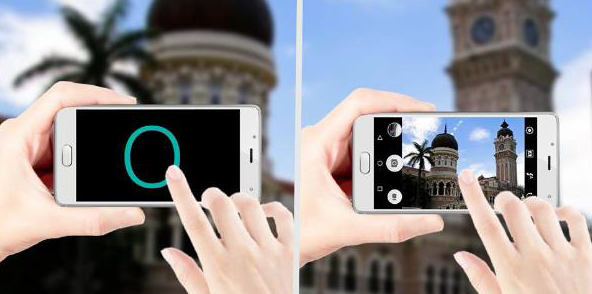
Use "SMART GESTURE" function:
- open "Settings" app

:
- tap on "
System", if needed,
- tap on "
Smart gesture",
- enable "
Smart gesture",
- select and enable needed options,
- tap on

to create new actions (launch an app, call a contact, send a SMS to a dedicated contact...).
To enable the access to the drawing area on the screen:
- tap on

,
- tap on "
Settings",
- enable"
Pull".
** To display the drawing area and launch an action, swipe anytime your finger downward from the left top corner of the screen.
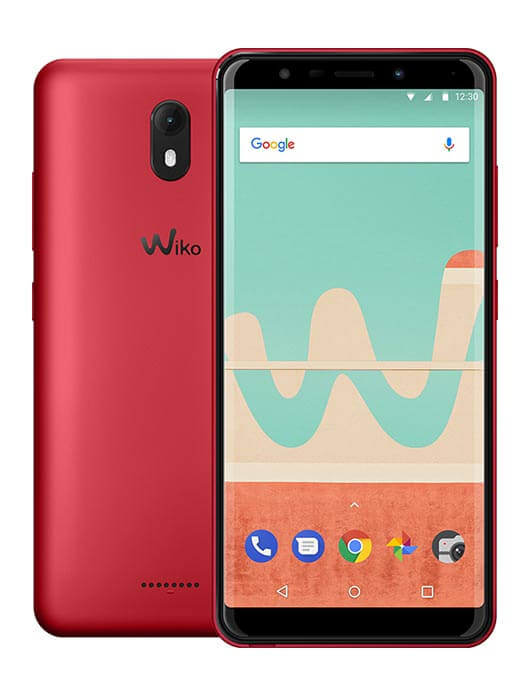
Produkte, die von diesem Artikel betroffen sind: VIEW GO
 -
VIEW LITE -
VIEW MAX -
Für ein anderes Produkt, Klicke hier